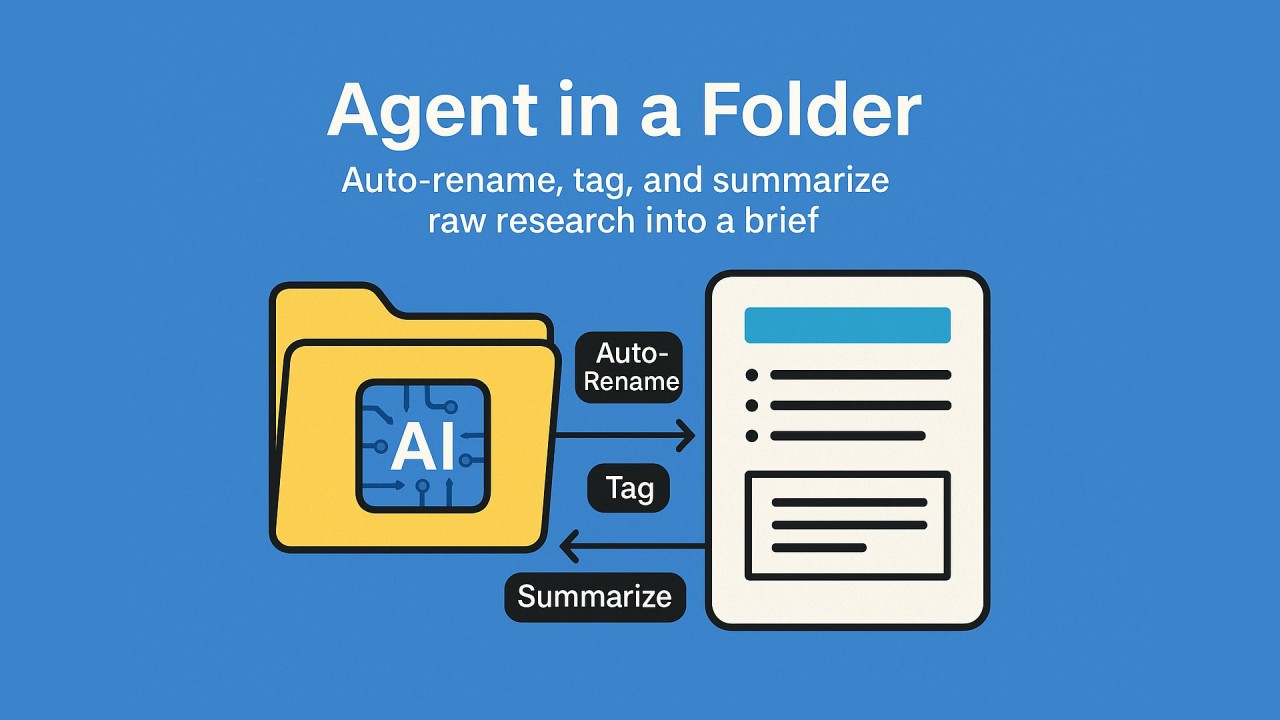
A simple “agent in a folder” watches a research inbox, auto‑renames files, tags them with a clean taxonomy, and drafts a one‑page brief. You review, approve, and move on. It’s the fastest way I know to turn raw links, PDFs, and screenshots into searchable insight without adding headcount.
The problem we actually have
Research isn’t just reading. It’s the admin. Links come in sideways. PDFs have cryptic names. Screenshots live and die in chat. By the time you rename, tag, paste a quote, and log a source, the day’s gone. The slow part isn’t thinking; it’s wrangling.
So I built a small thing I call “Agent in a Folder.” It’s a lightweight pipeline that turns any shared folder into a tireless junior analyst.
What “Agent in a Folder” does
Drop anything into /Research/Inbox and the agent:
- Ingests: pulls text via OCR/extraction, detects language, cleans junk.
- Classifies: finds entities, topics, and a quick relevance score.
- Auto‑renames: applies a consistent file name you can actually scan.
- Tags: adds structured metadata so you can filter and pivot later.
- Summarizes: produces a tight, one‑page brief with quotes and links.
- Indexes: updates your research log for search and deduping.
- Notifies: drops a Slack/Teams card with the brief and the source.
You keep the final call. Approve, tweak, or send back. Nothing gets published without a human glance.
The naming rule and tags that keep you sane
Give your future self a gift: predictable names and tags.
File name pattern
{PrimaryEntity}_{Topic}_{Source}_{YYYY-MM-DD}_{Confidence}{.ext}Example
Acme_CustomerSupport_AI_CorporateBlog_2025-09-07_0.86.pdf Tag set
- Entity
- Topic
- Source type
- Geography
- Stage (Rumor, Announced, Live)
- Risk/Opportunity
- Confidence
Keep it flat. No nested taxonomies. No cute synonyms.
The one‑page brief template
Paste this into your doc system of choice and let the agent fill it.
Title: {Entity + Topic}
Date: {YYYY-MM-DD}
Source: {URL or file path}
TL;DR: {3–5 sentences}

Key Facts:
- {Fact + support}
- {Fact + support}
- {Fact + support}

Verbatim Quotes:
- “{Quote}” — {Source, page/section}

Why it matters:
- {Business impact in plain language}

Risks & Unknowns:
- {Open question or risk}

Next Actions (Owner :: Due):
- {Action :: Person :: Date}
Two rules I enforce: quotes stay verbatim and always include a source; “Why it matters” must be business‑plain.
How I wire it up (three viable stacks)
Pick the lane that matches your world. The shape is the same.
Low‑lift Cloud Drive + Zap/Make + your preferred LLM + Notion/Airtable. Good for marketing, competitive intel, and GTM teams.
Microsoft‑native SharePoint/OneDrive + Power Automate + Azure OpenAI + Cognitive Search. Cleanest for M365 shops that care about data residency.
AWS‑native S3 + Lambda + Textract + Bedrock + OpenSearch. Best when security wants everything inside the VPC.
If you’re just starting, the low‑lift lane gets you to value in a day.
Guardrails so it doesn’t go off the rails
- Source over synthesis: every fact links back to the artifact.
- No fabricated quotes: only extract; never paraphrase inside quotes.
- PII filter: scrub emails, phones, and names unless you truly need them.
- Rate limits & retries: treat the agent like any other production service.
- Human‑in‑the‑loop: brief sits in “Needs Review” until someone signs off.
- Change log: keep a tiny audit trail of what the agent touched.
What it replaces
- Manual renaming and tagging marathons.
- Slack archaeology for “that one link.”
- Endless slide decks that rot the second you export.
What you get instead is a living, searchable memory you can trust.
The ROI math (simple and conservative)
Baseline time per doc:
- Rename + tag + log: ~6 minutes
- Summarize: ~12 minutes
- Total: ~18 minutes
With the agent:
- Review + minor edits: ~1 minute
Time saved ≈ 17 minutes per doc. At 100 docs/week, that’s ~1,700 minutes, or ~28 hours. Multiply by your loaded hourly rate and you’ve got a clean, defensible P&L line. The kicker: better recall reduces rework and duplicate efforts, which you’ll feel in fewer “didn’t we read this already?” moments.
Build it this week
- Create /Research/Inbox, /Briefs, and /Archive.
- Lock a single tag list and a single naming rule.
- Automate: on file‑added → extract → classify → rename → tag → brief.
- Post a daily digest to Slack at 4pm with new briefs and open questions.
- Run a 2‑week pilot with one team. Track docs processed and minutes saved.
- Keep what works. Kill what doesn’t. Then roll it wider.
Where this is going
Folders become interfaces. Agents won’t live in chat; they’ll live where the work starts. A watched folder is the simplest UI we’ve had for 30 years. Now it can think a little. That’s enough to move the needle without asking people to change how they work.